


Description
Download Vivaldi Browser with ad blocker fast private APK – mobile browser, secure, customizable, fast, private browsing, Android
Overview
Vivaldi Browser for Android represents a significant expansion of the desktop-focused browser into the mobile space, offering users a powerful alternative for mobile web navigation. Designed for individuals who value customization, privacy, and advanced browsing tools, the app aims to bridge the gap between desktop and mobile experiences. It brings core features from its desktop counterpart—such as speed dials, tab management, and secure sync—into a mobile-friendly interface. The browser is tailored for users who want more control over their browsing environment than what standard mobile browsers offer. It appeals particularly to power users, researchers, and professionals who manage multiple tasks across devices and seek efficiency and consistency. The developer did not provide additional background details beyond the product name. Real-world usage scenarios include managing research workflows, organizing frequent site access via speed dials, and maintaining synchronized browsing sessions across platforms. While the app is available on the Google Play Store, the provided information does not include details on download volume or user feedback. Platform compatibility is limited to Android, as no other operating systems were mentioned.
Key Features & Capabilities
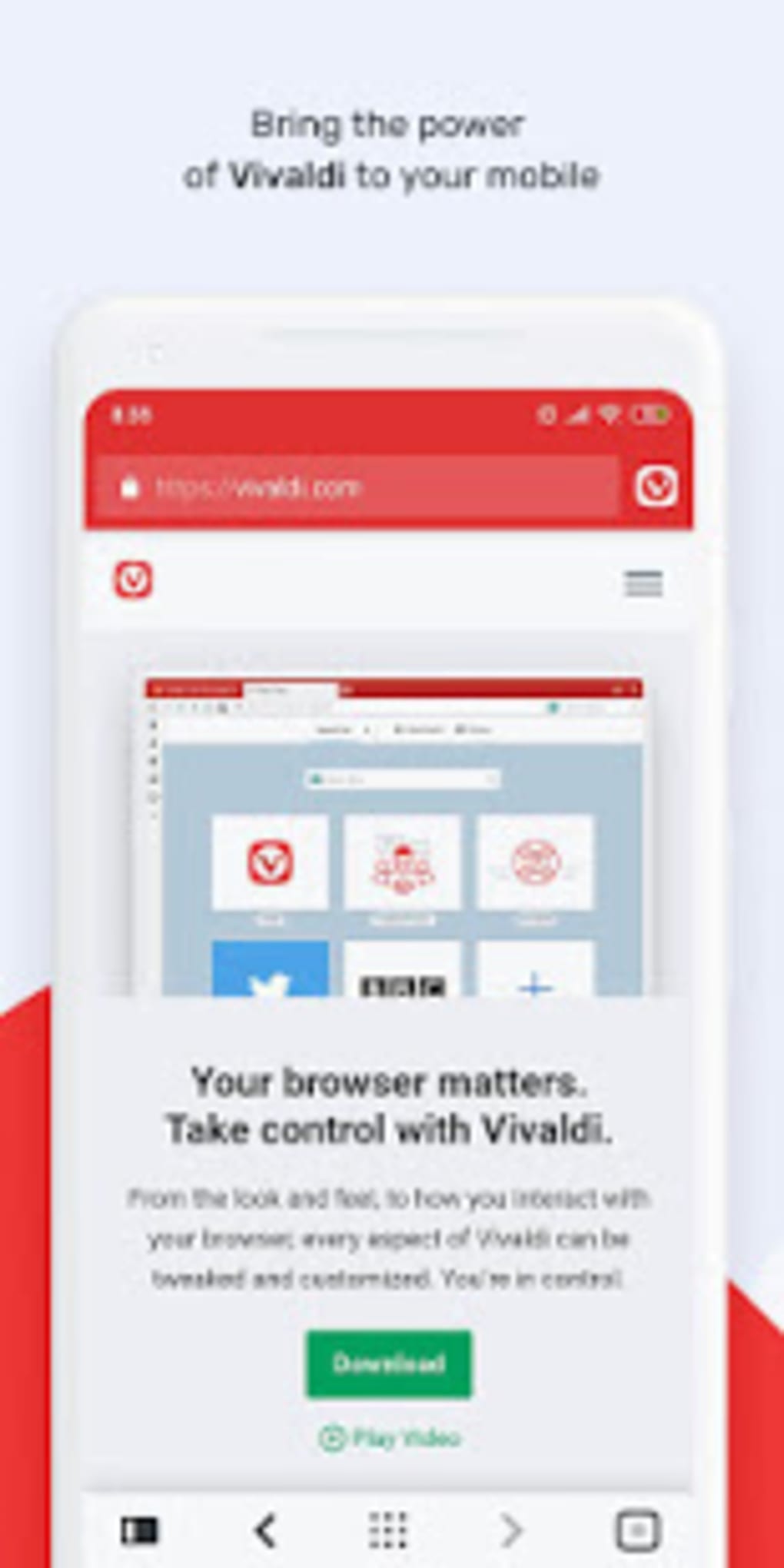
- Customizable Interface: The browser features a clean, intuitive UI with essential navigation elements like the address bar, back/forward buttons, and tab switcher, all positioned for optimal one-handed use on larger screens.
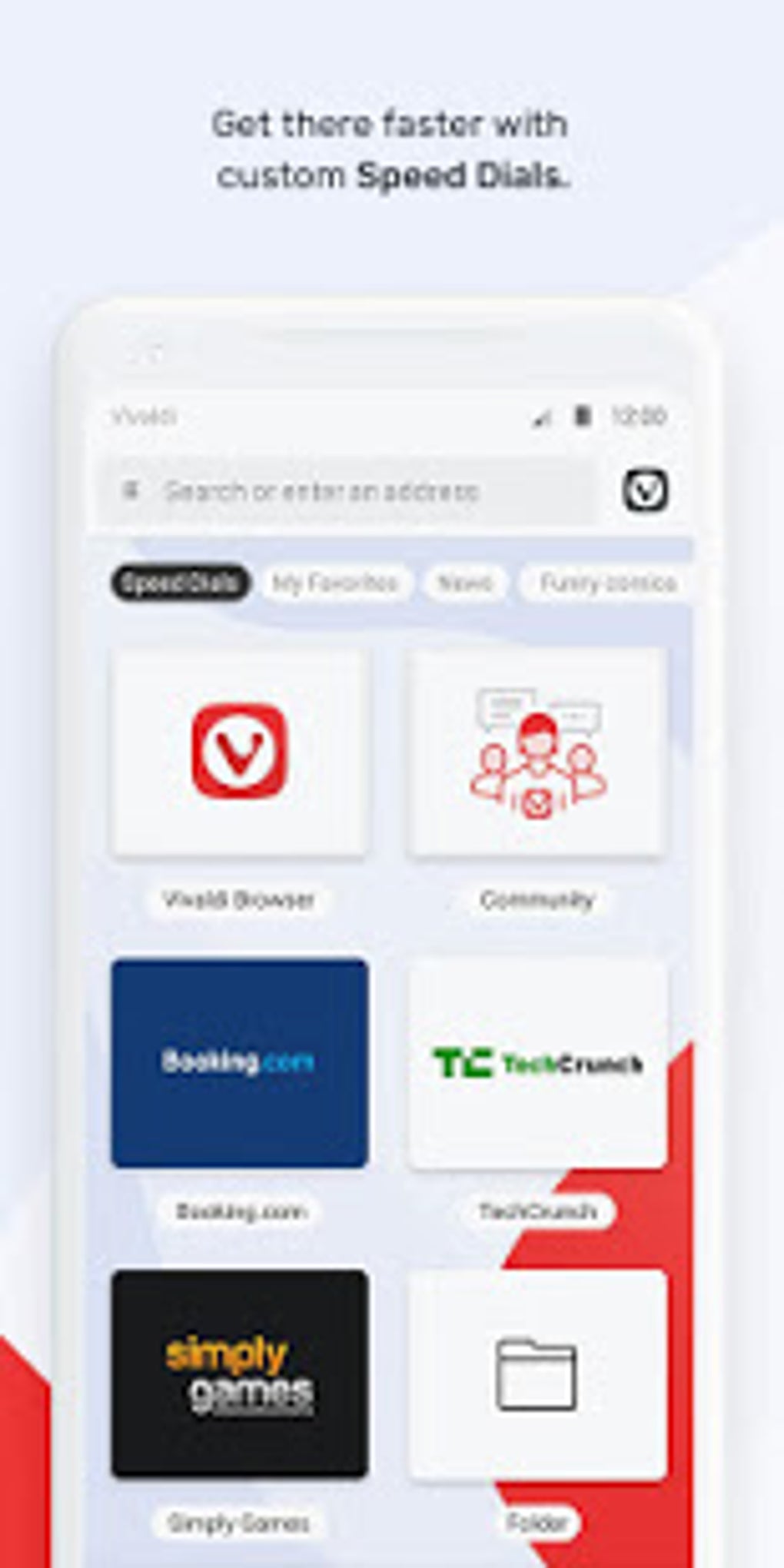
- Speed Dials: Users can create quick-access shortcuts to frequently visited websites, organize them into folders, and sync these dials across all devices where Vivaldi is installed.
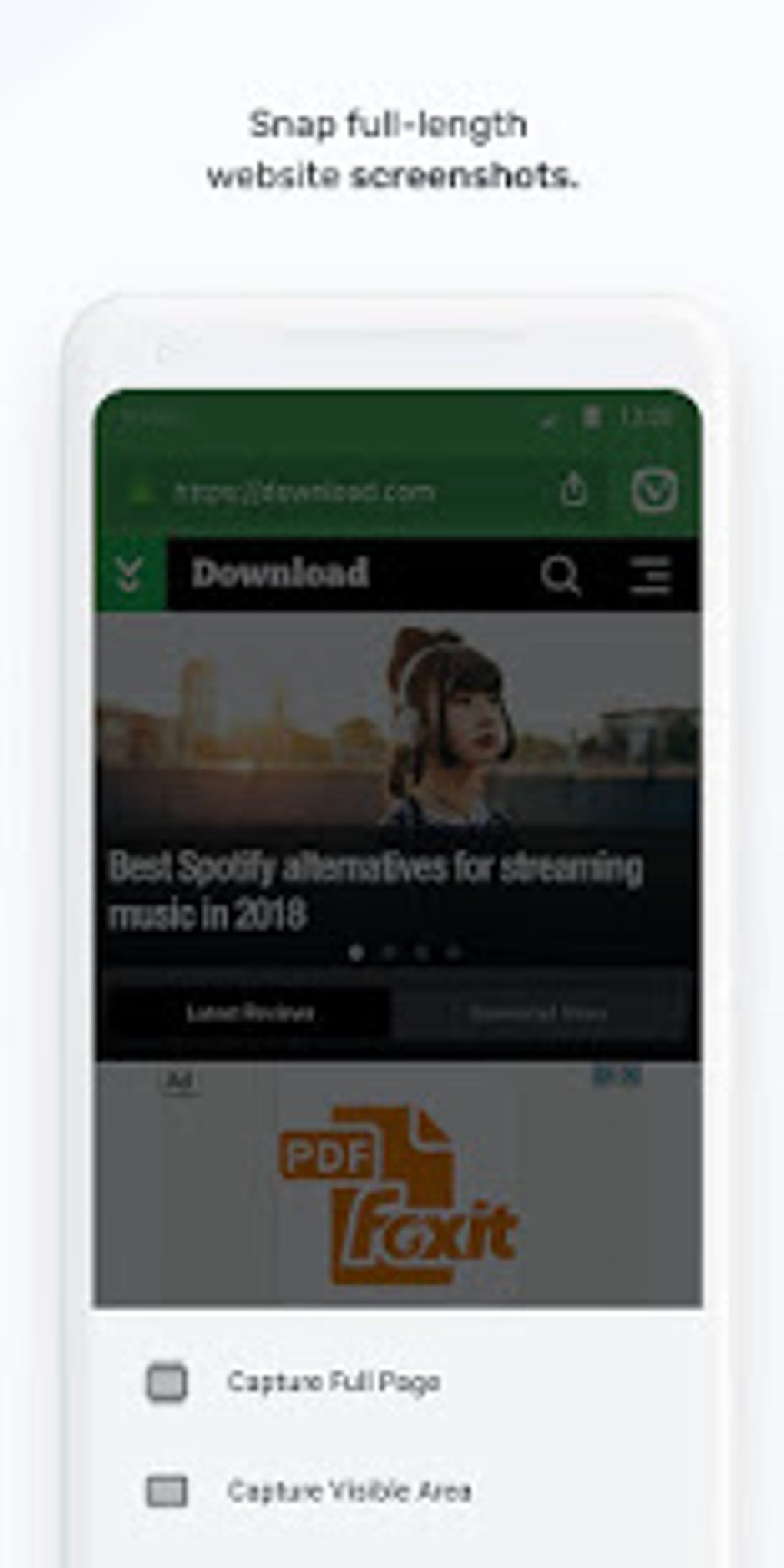
- Advanced Tab Management: Includes the ability to clone tabs, switch between open, private, synced, and recently closed tabs with simple swipes, and capture full-page or visible-area screenshots directly within the app.
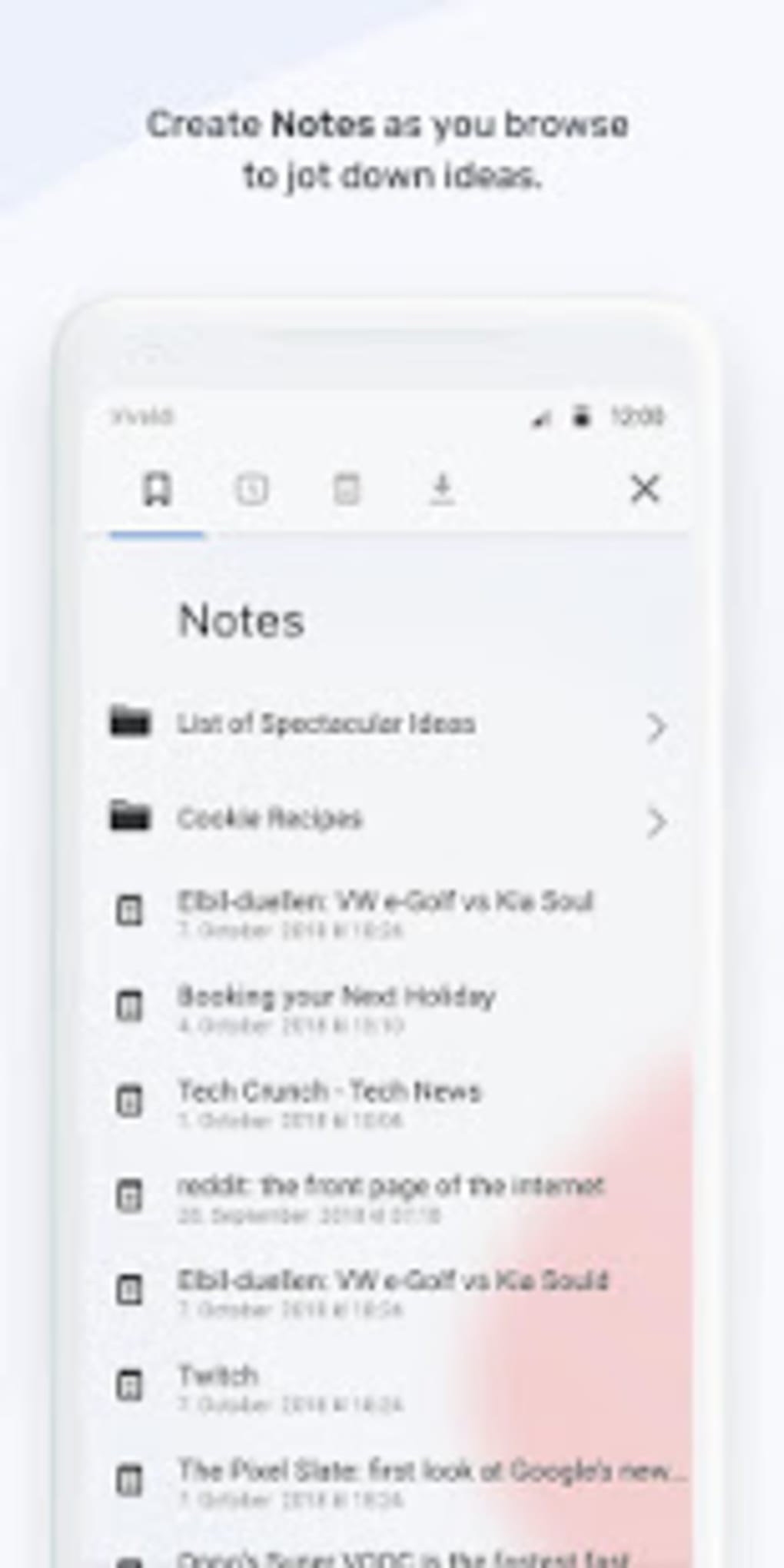
- Integrated Note-Taking Tool: Allows users to jot down ideas, reminders, or research notes while browsing, with the ability to sync these notes securely across devices.
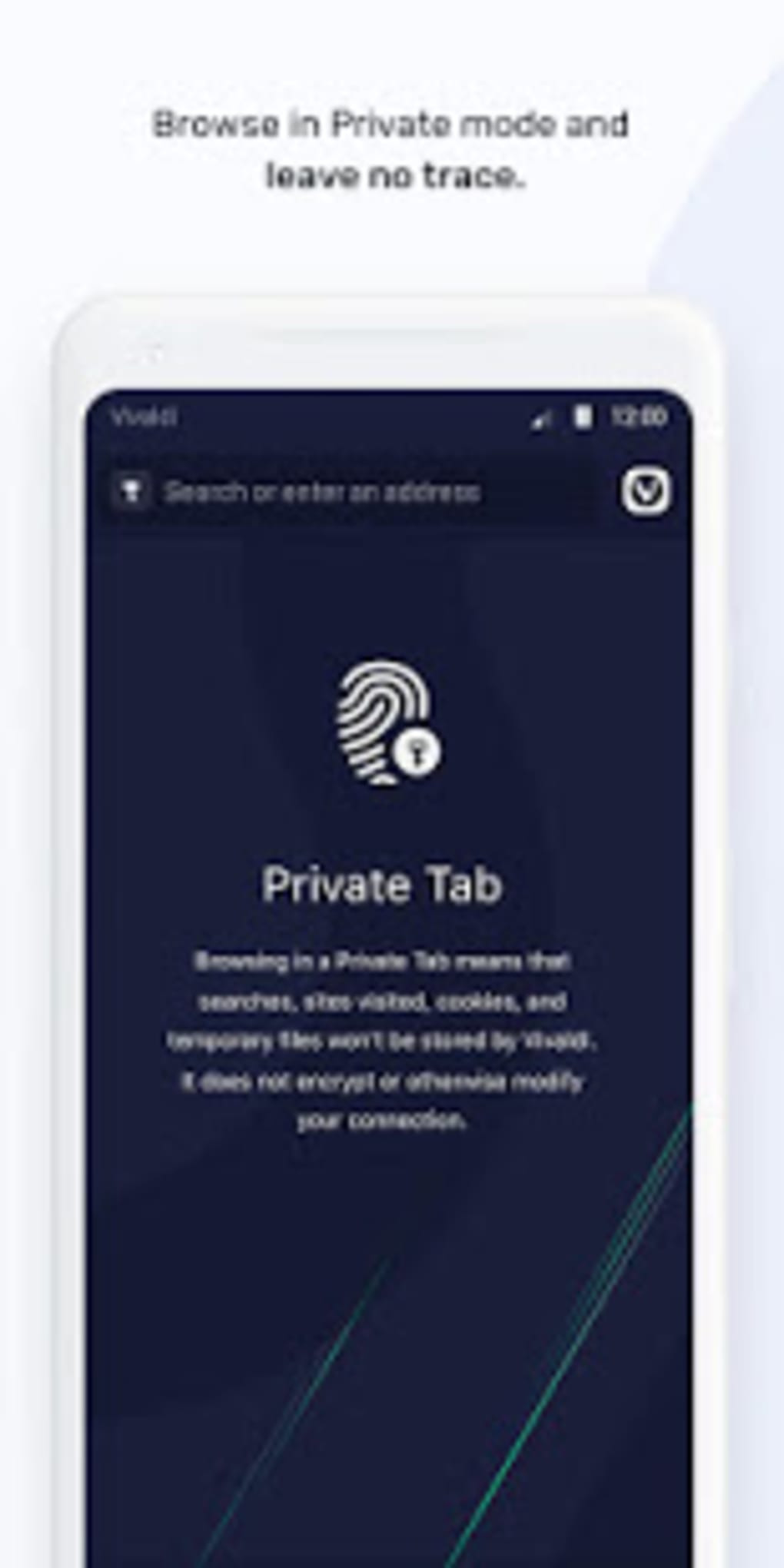
- Private Browsing Mode: Offers Private tabs that do not store browsing history, cookies, or temporary files on the device, supporting privacy-conscious users.
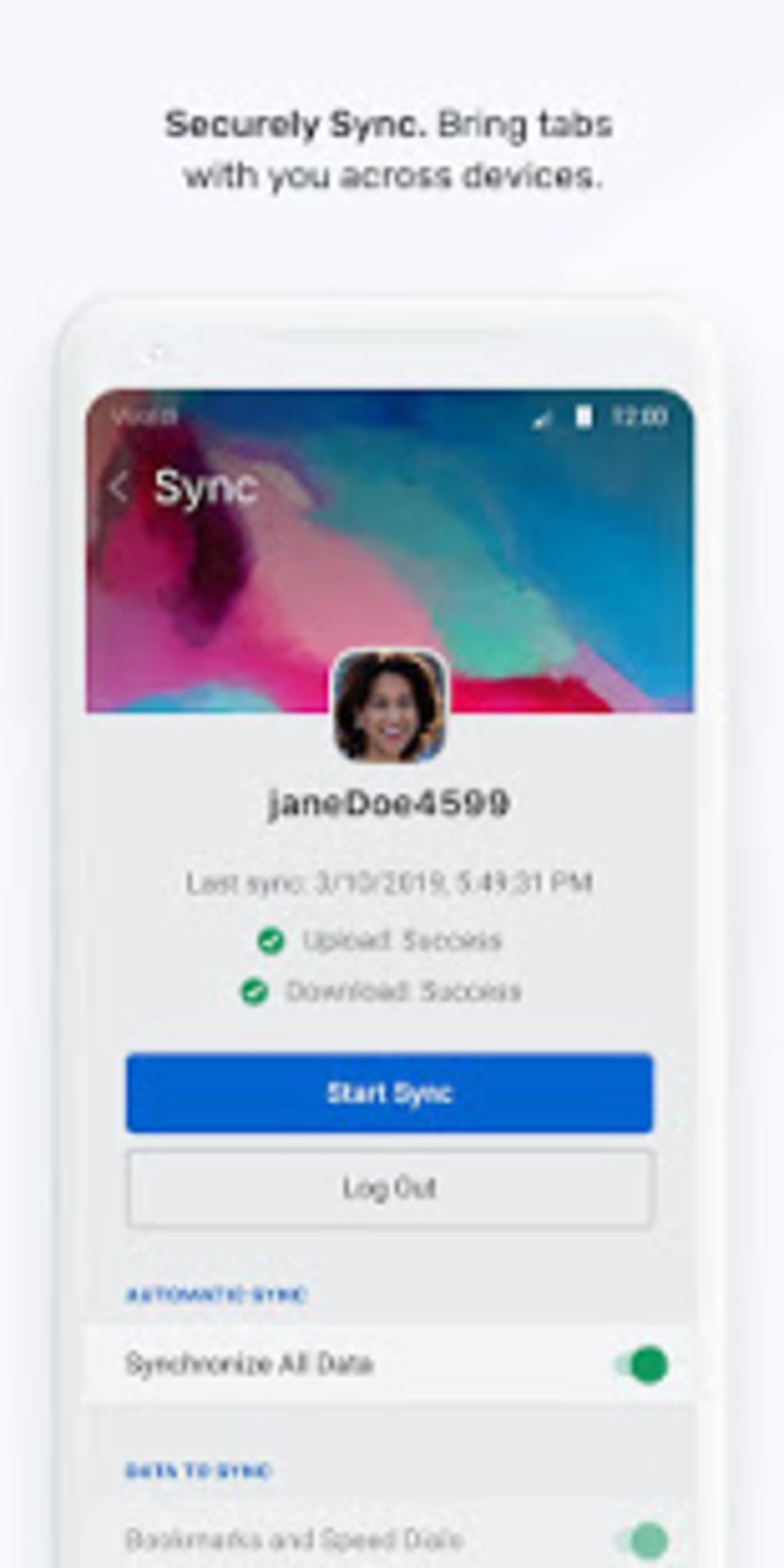
- End-to-End Encrypted Sync: Ensures that passwords, bookmarks, open tabs, and notes are securely synchronized across all devices, with encryption protecting data in transit and at rest.
These features collectively support workflows that require multitasking, organization, and cross-device continuity. For example, a researcher can capture a full-page screenshot of a reference article, add a note, and sync it to their desktop for later review—all within a single application. The absence of built-in tracking protection is a notable limitation, especially on mobile where extensions are not available.
User Interface, Workflow & Performance
The user interface of Vivaldi Browser on Android is designed with usability in mind, featuring a bottom navigation bar that enhances accessibility during mobile use. The layout mirrors the desktop version’s structure, maintaining consistency for users transitioning from other platforms. Navigation is straightforward, with swipe gestures enabling rapid tab switching and intuitive access to core functions. The workflow is optimized for efficiency, allowing users to perform actions such as creating notes, cloning tabs, and capturing screenshots without leaving the browser. The developer did not specify resource usage details, so exact performance data on CPU or RAM consumption is unavailable. General software behavior patterns suggest the app operates smoothly under normal conditions, but actual performance may vary based on device hardware and background processes. Stability and long-term reliability were not addressed in the provided information. Users are advised to monitor behavior during extended use, particularly when managing multiple tabs or capturing screenshots.
Compatibility & System Requirements
The software is compatible with Android operating systems, though specific version requirements were not provided. The installation size is not specified, nor were any hardware requirements listed. The developer did not include detailed information about supported devices or minimum system specifications. Compatibility information is limited to the platform mentioned—Android. Users should verify their device’s compatibility through the Google Play Store listing. The absence of system requirements means that installation and operation are subject to the device’s capabilities and the Android version it runs. For users considering installation, it is recommended to ensure the device meets general Android app standards.
Pros and Cons
Pros
- Consistent design and functionality with the desktop version
- Advanced tab management with swipe gestures and cloning
- Integrated note-taking tool for seamless research workflows
- End-to-end encrypted sync across devices
- Speed dials with folder organization and cross-device sync
- Private browsing mode with no local data retention
Cons
- No built-in tracking protection on mobile
- Limited information on system requirements and performance
- Missing detailed documentation on resource usage
- Sync and security features require a Vivaldi account
- Advanced features may overwhelm casual users
FAQ Section
Is Vivaldi Browser available for free on Android?
Yes, Vivaldi Browser is available for free download on the Google Play Store. The core features are accessible without cost, though some advanced sync and cloud-based services may require an account.
Can I use Vivaldi Browser on devices other than Android?
The provided information only confirms Android compatibility. The software is not listed as available for iOS, Windows, or macOS in the given input.
Is my data secure when using Vivaldi Browser?
The app uses end-to-end encryption for synced data, including passwords, bookmarks, and notes. Private browsing mode ensures no local storage of history or cookies. However, no third-party security audits or certifications were mentioned.
How often does Vivaldi Browser receive updates?
Update frequency was not specified in the provided details. Users are advised to check the Google Play Store for the latest version and update notifications.
Can I use Vivaldi Browser offline?
Yes, the browser supports offline functionality for cached content, saved pages, and local notes. However, syncing and cloud-based features require an internet connection.
Final Thoughts
Vivaldi Browser for Android delivers a compelling mobile experience that mirrors the strengths of its desktop sibling. With customizable navigation, powerful tab management, and a built-in note-taking tool, it stands out among mobile browsers for users who prioritize control and efficiency. While the lack of built-in tracking protection is a notable shortcoming, the app’s secure sync, private browsing, and cross-device consistency offer significant value. It is particularly well-suited for professionals, researchers, and power users who manage multiple tasks across platforms. Despite limited system details, the browser demonstrates strong potential as a reliable, fast, and private mobile tool. Download Vivaldi Browser now and experience a new way to browse the web on Android.
Guides & Tutorials for Vivaldi Browser with ad blocker fast private APK
How to install Vivaldi Browser with ad blocker fast private APK
- Click the Preview / Download button above.
- Once redirected, accept the terms and click Install.
- Wait for the Vivaldi Browser with ad blocker fast private APK download to finish on your device.
How to use Vivaldi Browser with ad blocker fast private APK
This software is primarily used for its core features described above. Open the app after installation to explore its capabilities.
User Reviews for Vivaldi Browser with ad blocker fast private APK 0
No reviews found





